Most business websites don’t have a traffic problem.
They have a conversion problem. That’s why effective web design Brantford needs to focus on turning visitors into leads-not just attracting traffic.
You can spend a tonne of money on ads, SEO, and social media—but if your homepage isn’t structured to convert, visitors will leave without taking action.
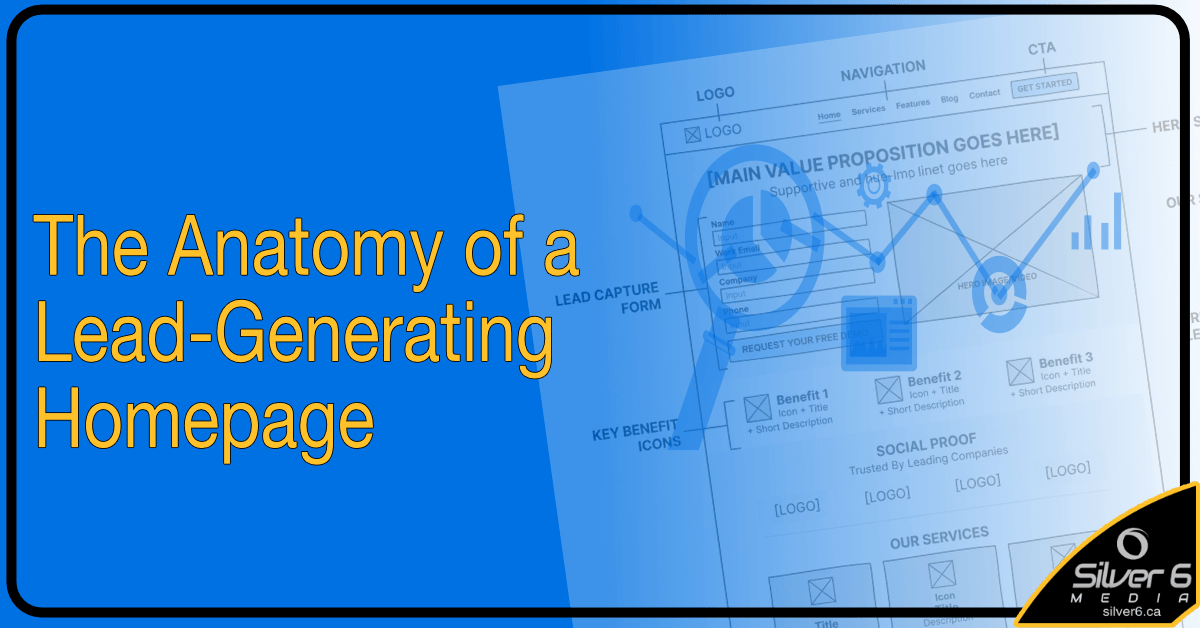
In this article, I’ll break down the exact structure of a homepage that turns visitors into leads—consistently.
1. The Above-the-Fold Section (Your First Impression)
This area is the most important ‘real-estate’ on your website.
Within mere seconds (typically 3-5 seconds on average) , a visitor should know
- What you do
- Who you help
- What they should do next
WHAT DO I INCLUDE ?
> Clear, benefit-driven headline
> Supporting subheadline – that expands on the headline.
> Primary Call-To-Action (CTA)
> Trust signals – badge, guarantees, numbers/data.
2. The Problem & Pain Section
This is where many people jump right into the services/products they offer. (mistake)
Before people care about your solution, they need to feel you understand their pain/problem.
This section should mirror the visitors frustrations.
Examples include:
“Your website gets traffic but no inquiries”
“Visitors leave without contacting you”
“You’re not sure what’s broken”
When visitors feel understood, they keep reading.
3. The Solution (Your Offer)
Now that you’ve identified the problem – introduce your solution or product clearly.
Include:
*What you do (in plain simple language)
*Who its for
*What outcome they can expect
Example: “We help service-based businesses (Who it is for) turn underperforming websites into consistent lead generators(Outcome & What you do) through strategic Brantford web design services focused on conversion, not just design.”
4. Social Proof (Build Trust Fast)
People don’t trust you – they trust other people’s experiences.
Include:
– Testimonials
– Case Studies
– Client Logos
– Before/After results
*Pro-tip:
Specific results convert better than generic praise.
examples: “Increased inquiries by 42% in 60 days” vs “they were great to work with”.
5. The Process (Reduce Uncertainty)
People hesitate when they don’t understand what happens next.
Outline your process in 3-5 simple steps..
- Free Website Audit
- Strategy & Recommendations
- Implementation
- Ongoing Optimization
Example:
This removes friction and builds confidence.
6. Secondary Value Section (differentiate)
This is where you reinforce WHY your’re different that your competitors.
- Your unique approach
- Common mistakes you fix
- What sets you apart
Options:
This helps justify why someone should choose you.
7. Strong Call-to-Action (CTA)
Don’t assume visitors will ‘figure out’ what to do next.
- Get my free website audit
- Book your strategy call
- Sign up to your e-marketing newsletter
Tell them clearly
What Most Websites Get Wrong
Focus on themselves too much instead of the visitor (customer)
No clear CTA
Too much text, not enough structure
No trust signals
Confusing messaging <- very important
If you’re not sure whether your homepage is helping or hurting your conversions..
I offer a free website audit where I’ll show you exaclty what’s working – and what’s costing you leads.